Terraria on postmarketOS
Apparently, games made with FNA3D or MonoGame can be made to work on Linux Mobile devices very easily. I’m gonna show you how to do it with Terraria.
Terraria can be gotten from a few sources, I have mine downloaded from GOG.
If you download the offline installer you’ll get a file called something like
terraria_v1_4_5_4_88511.sh depending on what version is available.
There’s a few ways to extract it, you could run the installer, but that’s kind of boring.
We can use unzip or even libarchive’s bsdtar to extract the game.
# Pick your favorite
unzip terraria_v1_4_5_4_88511.sh -d terraria
bsdtar -xvf terraria_v1_4_5_4_88511.sh
Busybox’s unzip doesn’t seem able to extract it, though, so be warned.
The files we want will be in data/noarch/game/.
If we look inside the lib64 directory we can see the dependencies we need to run the game.
- FAudio
- FNA3D
- SDL3
Because we’re on an ARM device, we can’t use the provided libraries and need to install them ourselves.
On postmarketOS:
doas apk add fna3d faudio mono sdl3 --virtual terraria
I added a virtual package so we can just doas apk del terraria to remove the dependencies.
On another distro like Mobian, you can use apt or whatever your package manager is.
There’s some extra libraries in lib64 that aren’t actually needed, basically all the libnfd* ones.
Now we can run the game!
mono Terraria.exe
The game works better in a landscape orientation, so you might want to set your devices rotation to match. It might also start out not fitting the screen.
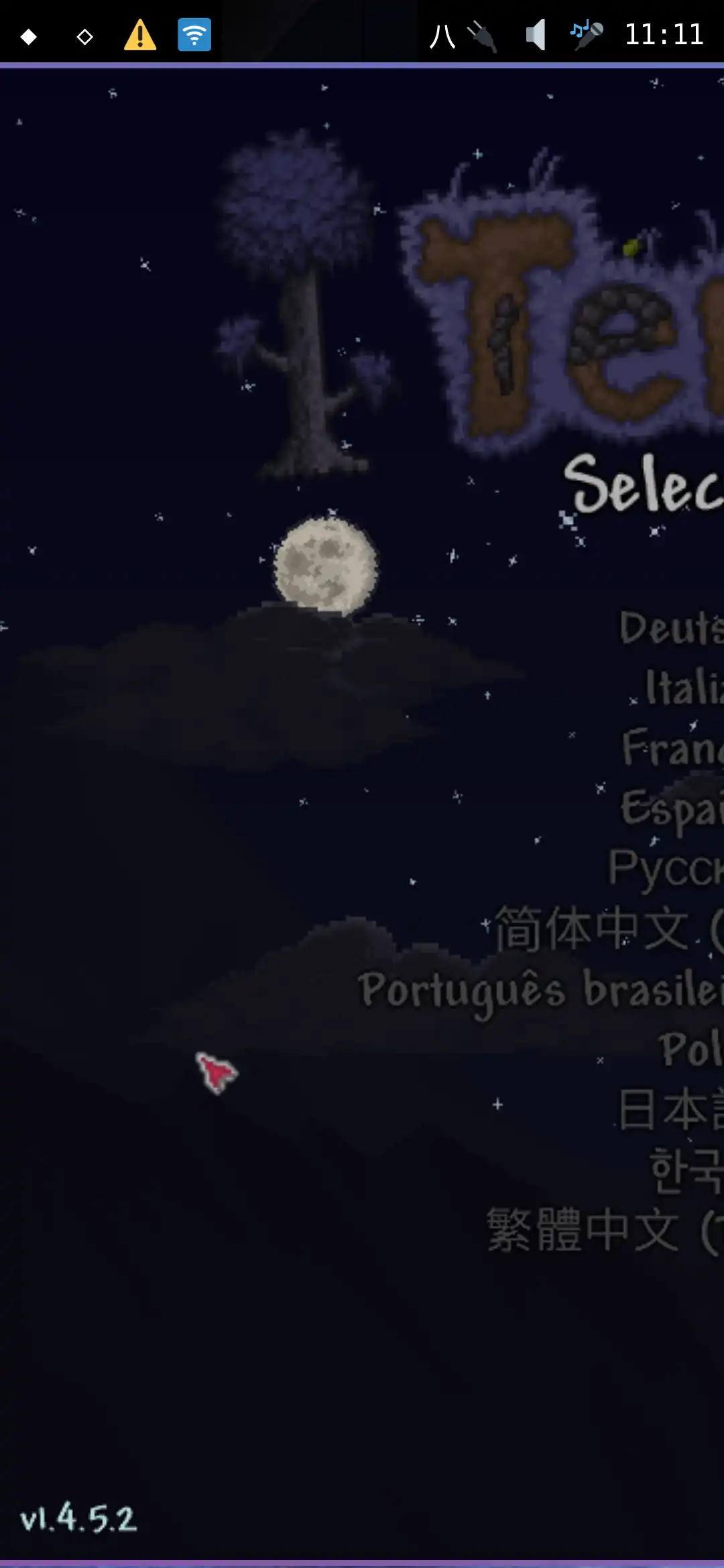
Which means we need to adjust the resolution from the config file.
Terraria’s config is located in $XDG_DATA_HOME/Terraria/config.json typically ~/.local/share/Terraria/config.json.
We want to change DisplayWidth and DisplayHeight.
For the OnePlus 6T and landscape, we would use 2340 and 1080.
< "DisplayWidth": 800,
> "DisplayWidth": 2340,
< "DisplayHeight": 600,
> "DisplayHeight": 1080,
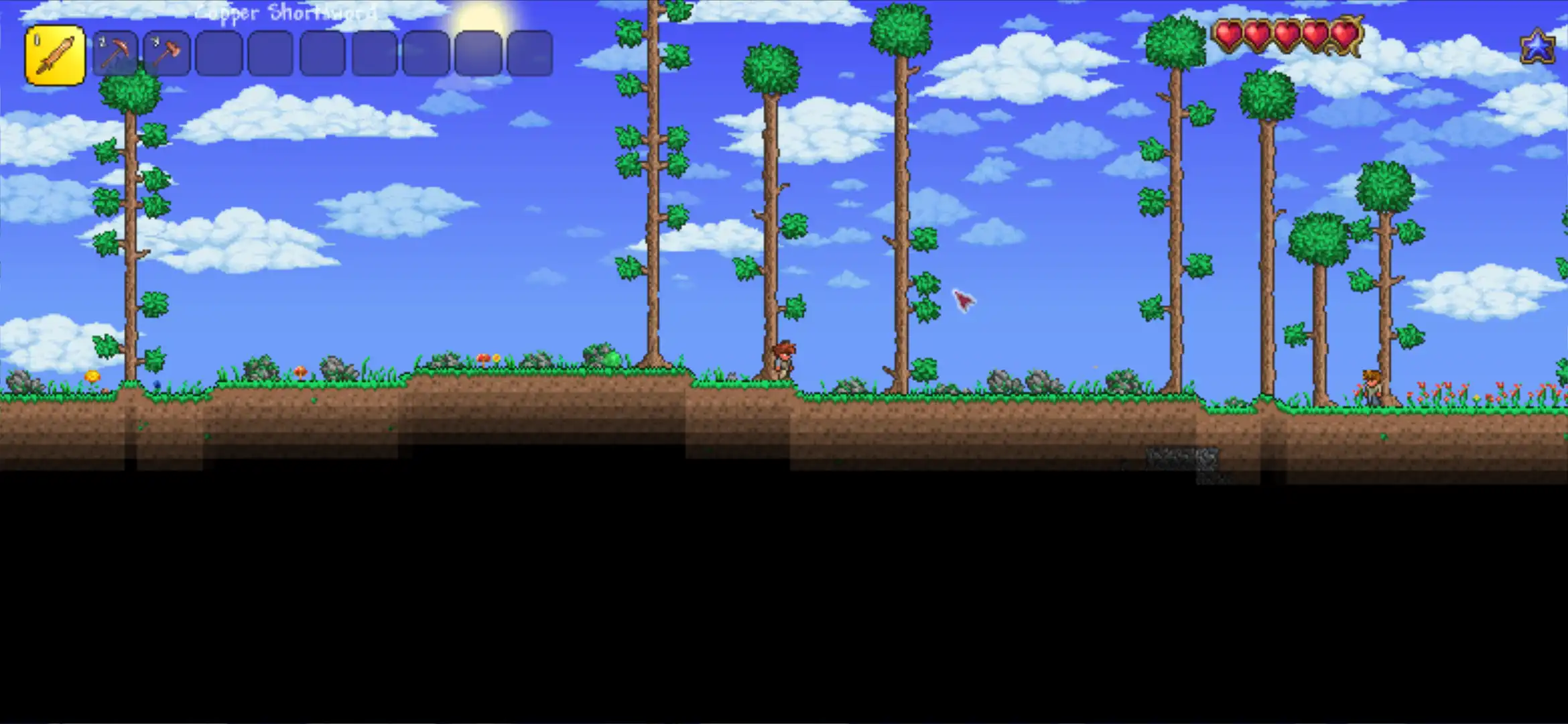
You should probably also change Fullscreen to true, increase UIScale to
a higher number like 2.000000, and change Zoom to a higher number as well,
although these can also be changed in the in-game settings menu to see the differences.
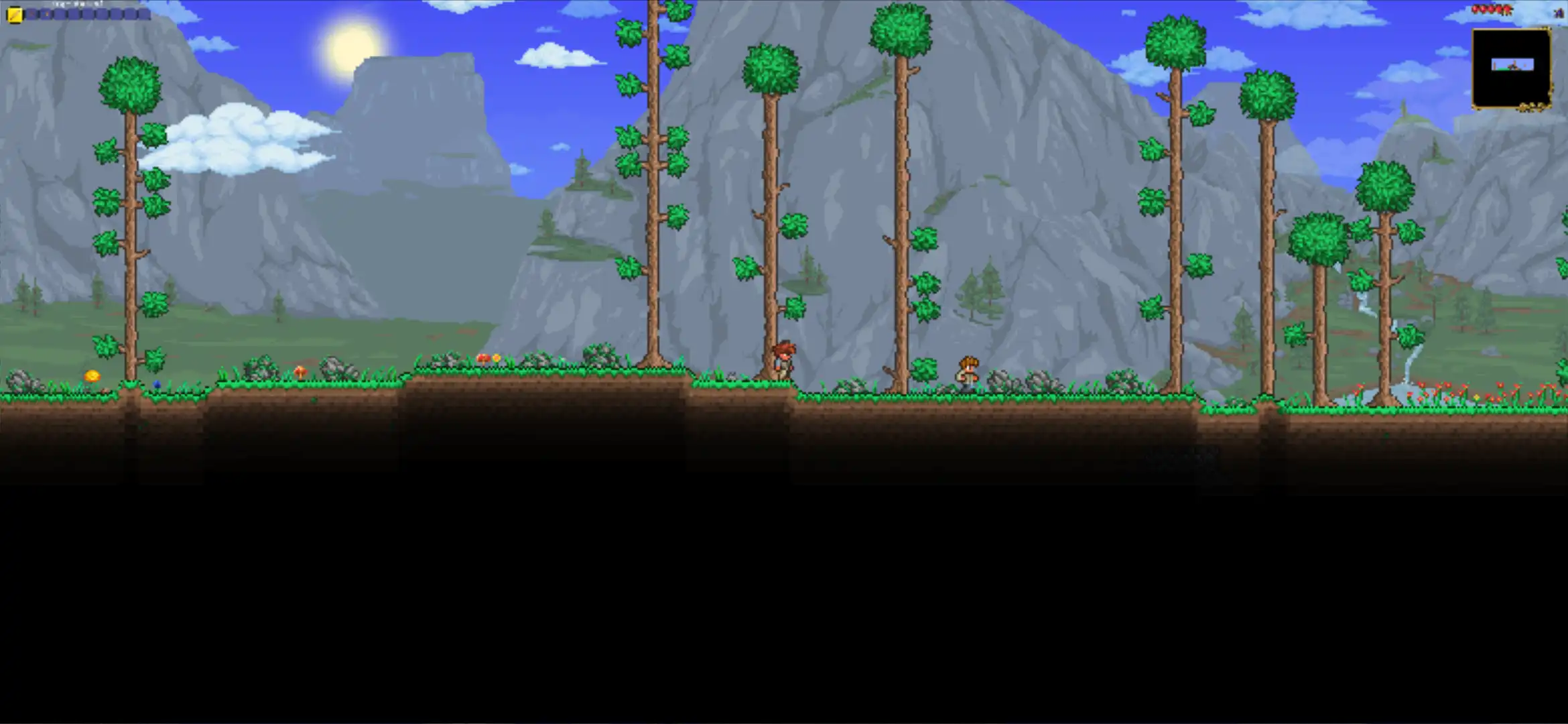
Here’s how it looks with no scaling.
And with scaling.
It also surprisingly works on a PinePhone, even though the minimum requirements are for OpenGL 3.0 and the PinePhone only supports OpenGL 2.1 (!).
The biggest issue is that there’s no on-screen touch controls, but it does work fine with a controller.
There were also a few crashes. If I have the map enabled, it crashes whenever a new region
is loaded. This can be fixed by disabling the map. This seems to only happen with musl.
Another crash happens when WaveQuality is set too high.
There’s also another issue that on musl devices, like postmarketOS, the audio fails to initialize. It works in a Debian-based chroot, however, which is odd.